Creating a relaxing home workspace is essential for anyone who spends significant time working from home. A well-designed area not only boosts your productivity but also makes your day more enjoyable. Here are practical tips to help you set up a comfortable and calming workspace that encourages focus and efficiency.
Why a Relaxing Workspace Matters
When your workspace feels cluttered or uncomfortable, it’s harder to concentrate and stay motivated. A relaxing environment reduces stress and mental fatigue, making it easier to tackle tasks. By improving both your physical comfort and mental outlook, your work quality and output will likely increase.
Choosing the Right Location
Find a Quiet Spot
Select a space in your home where noise and foot traffic are minimal. This reduces distractions and creates a peaceful atmosphere.
Maximize Natural Light
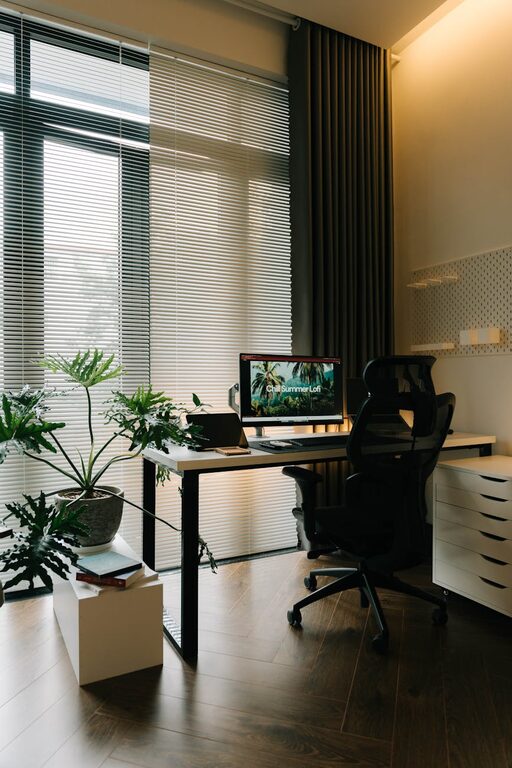
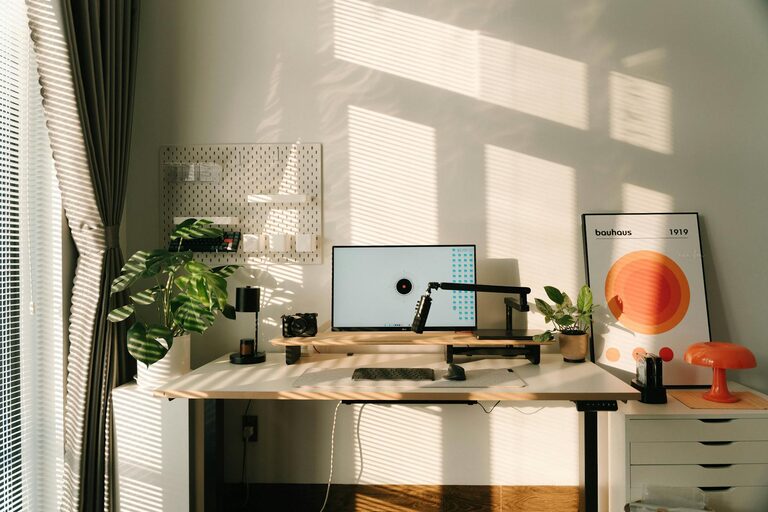
If possible, position your desk near a window. Natural light can uplift your mood and reduce eye strain. If natural light is limited, choose full-spectrum bulbs that mimic daylight.
Consider Privacy
Privacy helps maintain focus. Use room dividers or screens if you share your living space with others.
Desk and Seating Essentials
Invest in a Comfortable Chair
Choose an ergonomic chair that supports your back and encourages good posture. Comfort is key to preventing aches during long work hours.
Desk Height and Size
Your desk should be large enough to accommodate your computer, documents, and other essentials, but not overly cluttered. Ensure that the height allows you to type comfortably with your arms at a 90-degree angle.
Keep Essential Tools Within Reach
Organizing your most-used items nearby saves time and prevents frustration.
Declutter and Organize
Use Storage Solutions
Incorporate drawers, shelves, or desk organizers to keep your workspace tidy. A clean area helps your mind feel clear.
Limit Decorations
Decorate with a few meaningful or calming objects, such as plants or framed photos, but avoid overcrowding the space.
Digital Organization
Keep your computer desktop and files organized to enhance focus and efficiency.
Incorporate Calming Elements
Add Plants
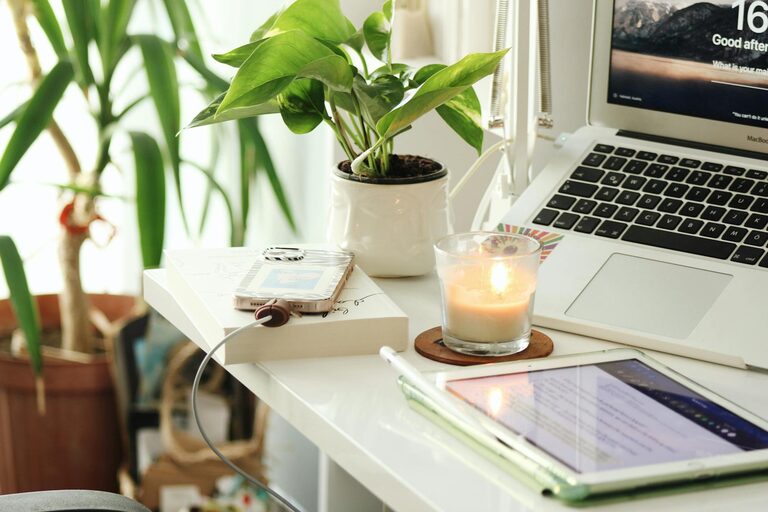
Indoor plants improve air quality and add a touch of nature, which can reduce stress.
Choose Soothing Colors
Soft colors like blues, greens, or neutrals can create a calming vibe that is conducive to working.
Use Aromatherapy
A subtle diffuser with essential oils like lavender or eucalyptus can enhance relaxation without being overpowering.
Optimize Lighting and Screen Setup
Adjust Monitor Height
Your monitor should be at eye level to prevent neck strain. Use stands or adjustable arms if necessary.
Avoid Glare
Position your screen to minimize glare from windows or lights.
Use Task Lighting
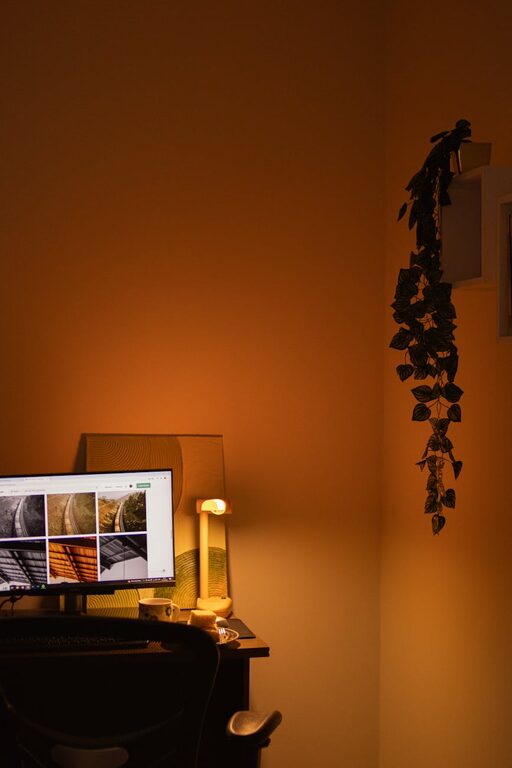
A desk lamp that provides focused light on your work area can reduce eye fatigue.
Take Breaks Strategically
Schedule Short Breaks
Taking short breaks every hour helps refresh your mind. Use timers to remind yourself to stand up, stretch, or move around.
Create a Relaxation Corner
If space allows, set up a small area with a comfortable chair or cushion where you can relax during breaks.
Personalize Your Space
Display Motivational Quotes
Having a few inspiring words visible can keep you motivated.
Play Background Music
Soft music or nature sounds can improve focus, but choose what works best for you.
Customize with Your Style
Make your workspace a place you enjoy being in by incorporating your favorite colors, textures, or themes.
Maintain Your Workspace
End-of-Day Cleanup
Spend a few minutes at the end of each day organizing your desk for a fresh start tomorrow.
Regularly Assess Comfort
Adjust furniture or lighting as needed to maintain comfort and productivity.
—
By following these tips, you can create a relaxing home workspace that supports your work needs while enhancing comfort. A space designed with care makes each workday more productive and enjoyable, setting you up for success whether you’re working from home full-time or occasionally.